
GodProfile MCP Toolkit
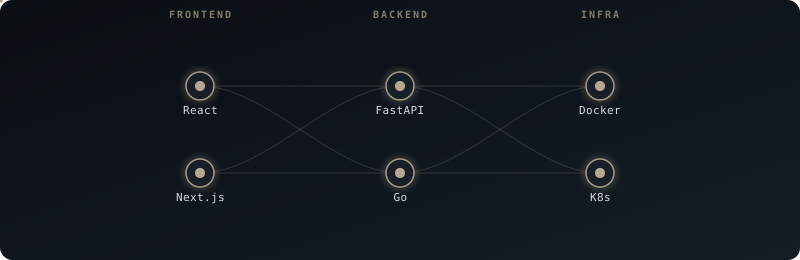
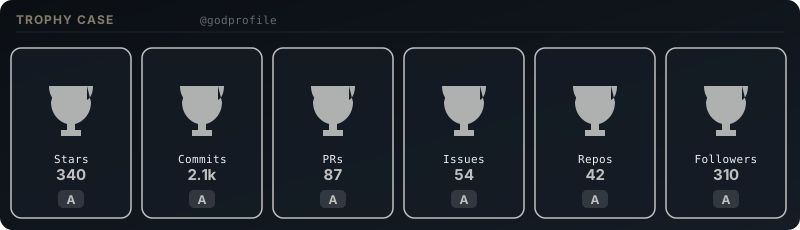
16 tools that generate animated SVGs for your GitHub profile.
Give Claude this server and say: "Make my profile god-tier."
16 tools that generate animated SVGs for your GitHub profile.
Give Claude this server and say: "Make my profile god-tier."
uvx godprofile-mcp




Add GodProfile to your Claude Desktop config — one JSON block, no extra installs.
{
  "mcpServers": {
    "godprofile": {
      "command": "uvx",
      "args": ["godprofile-mcp"]
    }
  }
}
Open Claude Desktop and say exactly this:
"Use GodProfile to rebuild
my README with luxury-glass
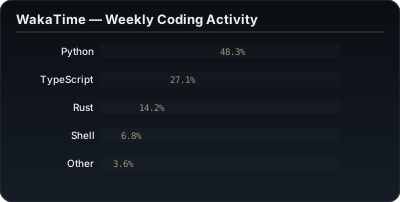
theme, terminal SVG, WakaTime
stats, and icon marquee."
Claude saves all SVGs to your header/ folder and rewrites your README to reference them. Push and you're live.